
Products / OL Terminal
OL Terminal
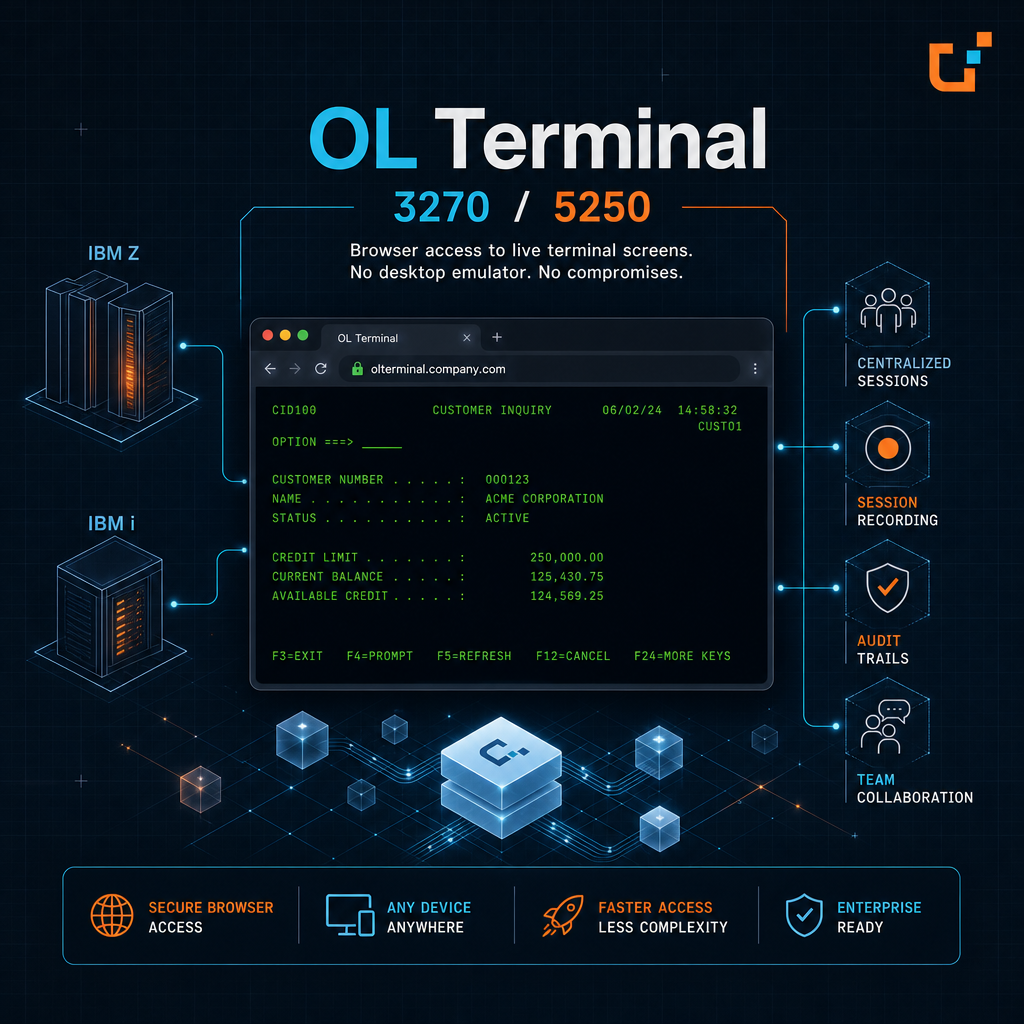
Open 3270 and 5250 terminal screens in a browser, without desktop emulators, and record sessions for audit.
OL Terminal gives teams browser access to 3270 and 5250 terminal screens on IBM Z and IBM i, without a desktop emulator. Sessions are managed centrally, and terminal activity is recorded and audited. OL Terminal is a terminal emulator for live green-screen sessions. It does not import BMS, MFS, or DSPF maps and does not run map ScreenFlows. For that, see OL Screener and OL Next.
Key Features
-
API
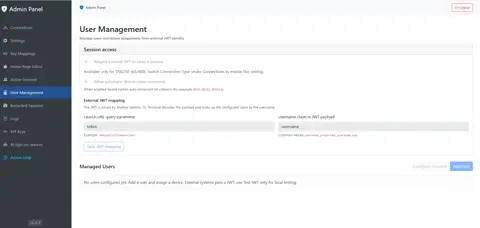
Admin User ManagementFor each AS/400 connection, decide who can open a browser session and which device name, output queues, and session limit they get. OL Terminal applies that profile before the host session opens.
-
API
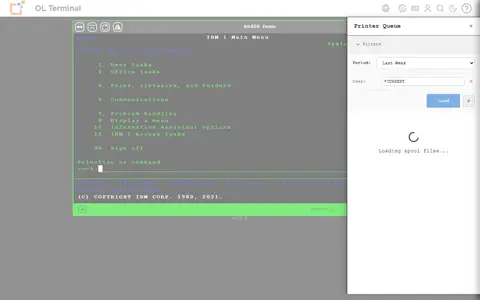
AS/400 printer and spool integrationAfter a 5250 login, browse, filter, preview, download as PDF, and delete AS/400 spooled files from the terminal. When user management assigns output queues, those queues are the ones the person can use.
-
AS/400
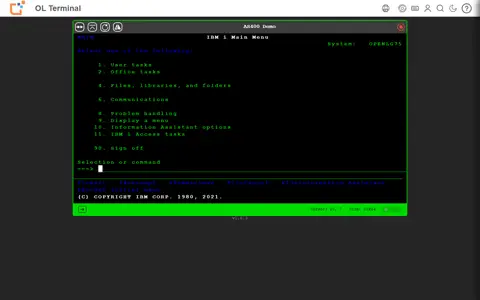
Browser-based 3270 and 5250 emulationOpen IBM Z and IBM i applications from a current browser, with 3270 and 5250 fields, function keys, and keyboard mappings. No desktop emulator is installed.
-
API
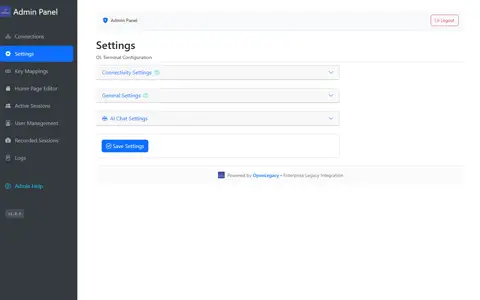
Centralized session admin and recordingConfigure hosts, key mappings, and the landing page, watch live sessions, and keep recordings as JSON trails or legacy IDE XML.
-
API
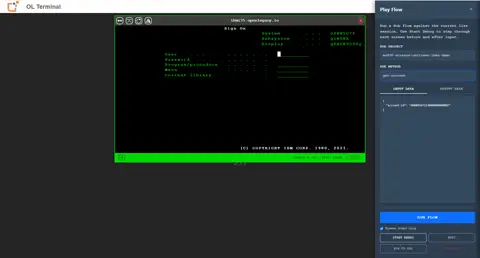
Hub screen flow player and debuggerFrom a live 3270 or 5250 session, run a Hub terminal Screens Flow or step through it and watch the screen change.
-
AS/400
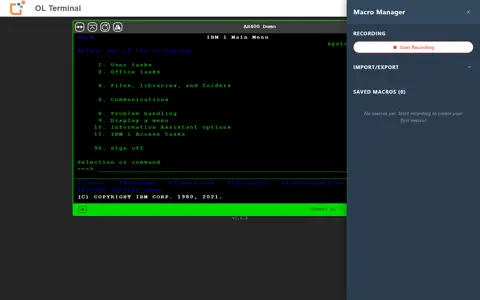
Macro recording and playbackRecord a keystroke sequence and replay it on a 3270 or 5250 session. Playback keeps the pauses where a key waits for the host.
What it enables
OL Terminal gives teams browser access to 3270 and 5250 terminal screens on IBM Z and IBM i, without a desktop emulator. Sessions are managed centrally, and terminal activity is recorded and audited. OL Terminal is a terminal emulator for live green-screen sessions. It does not import BMS, MFS, or DSPF maps and does not run map ScreenFlows. For that, see OL Screener and OL Next.
Part of the OpenLegacy platform
Run it from one governed plane
Govern, deploy, and operate this product with the rest of the suite — managed or on-prem.