
Downloading the OpenLegacy Hub Enterprise Bundle
-
In the web browser, go to Download OpenLegacy Tools Today! . <Callout icon="📘" theme="info"> Access to download.openlegacy.com: Contact your OpenLegacy representative to obtain download access. </Callout>
-
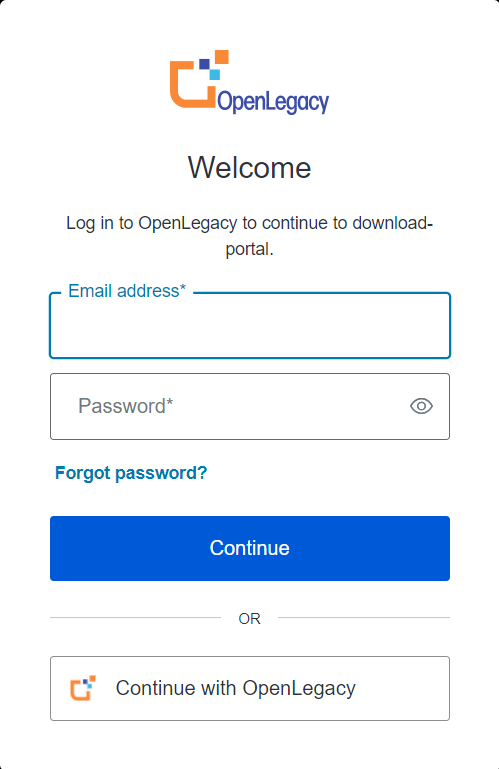
Press Log In ->. The Login window opens.
-
Enter your OpenLegacy credentials and press Continue to log in, Or press Continue with OpenLegacy if you are already logged in.
-
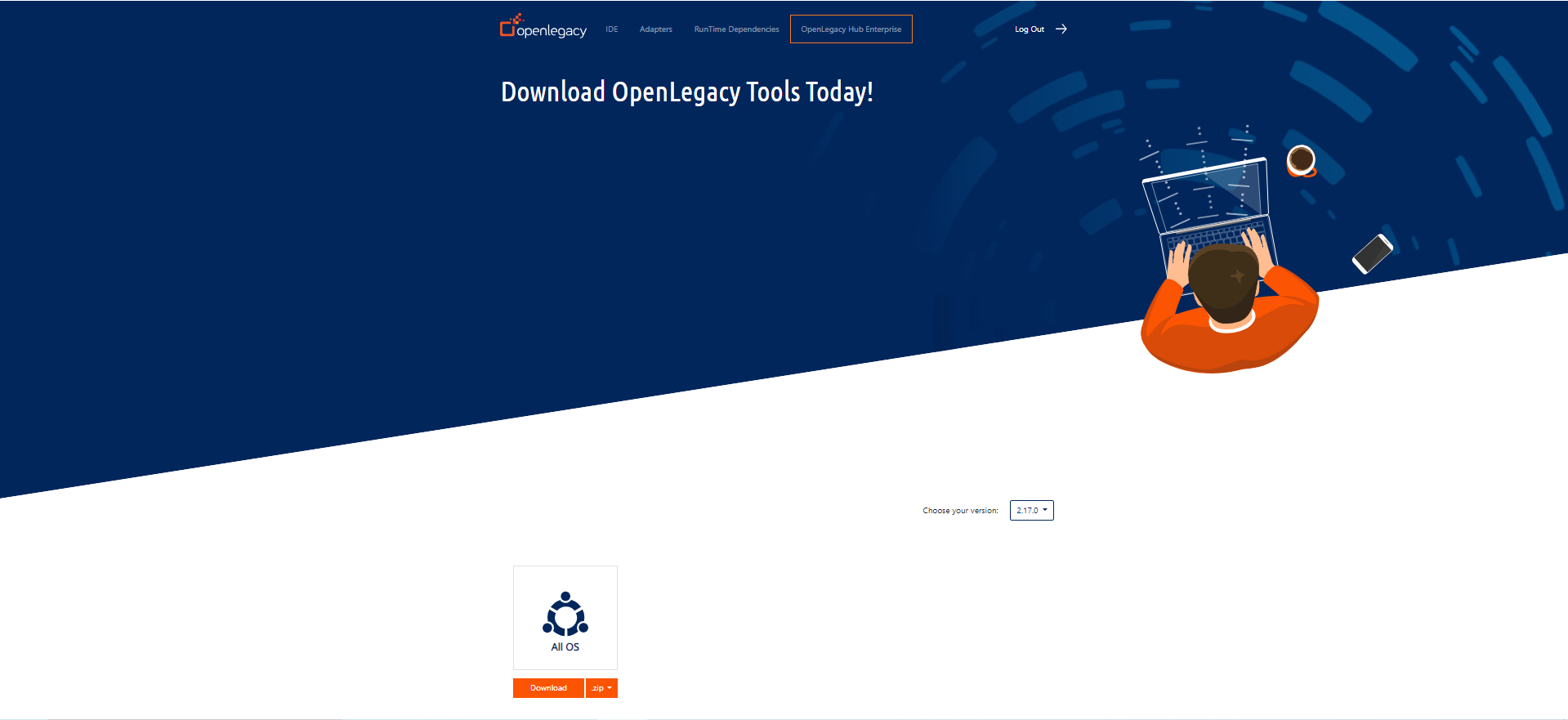
The Download Portal is displayed. Press OpenLegacy Hub Enterprise.
-
Choose your version to download by selecting from the dropdown list (the default is the latest version).
-
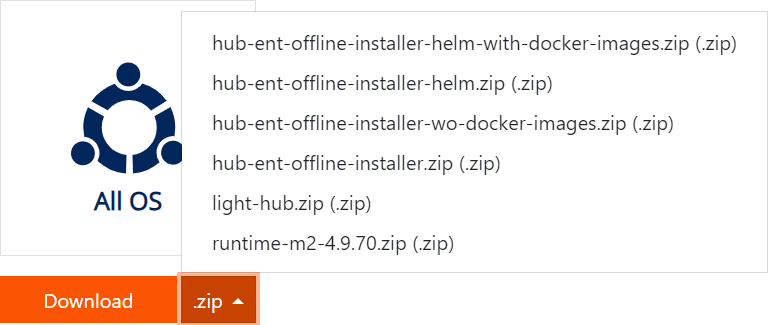
Select the Enterprise file to download from the dropdown list:
-
Press the Download button.
-
When the download finishes, unpack the zip file and follow the instructions in the Readme file.